
The SSH client built for speed
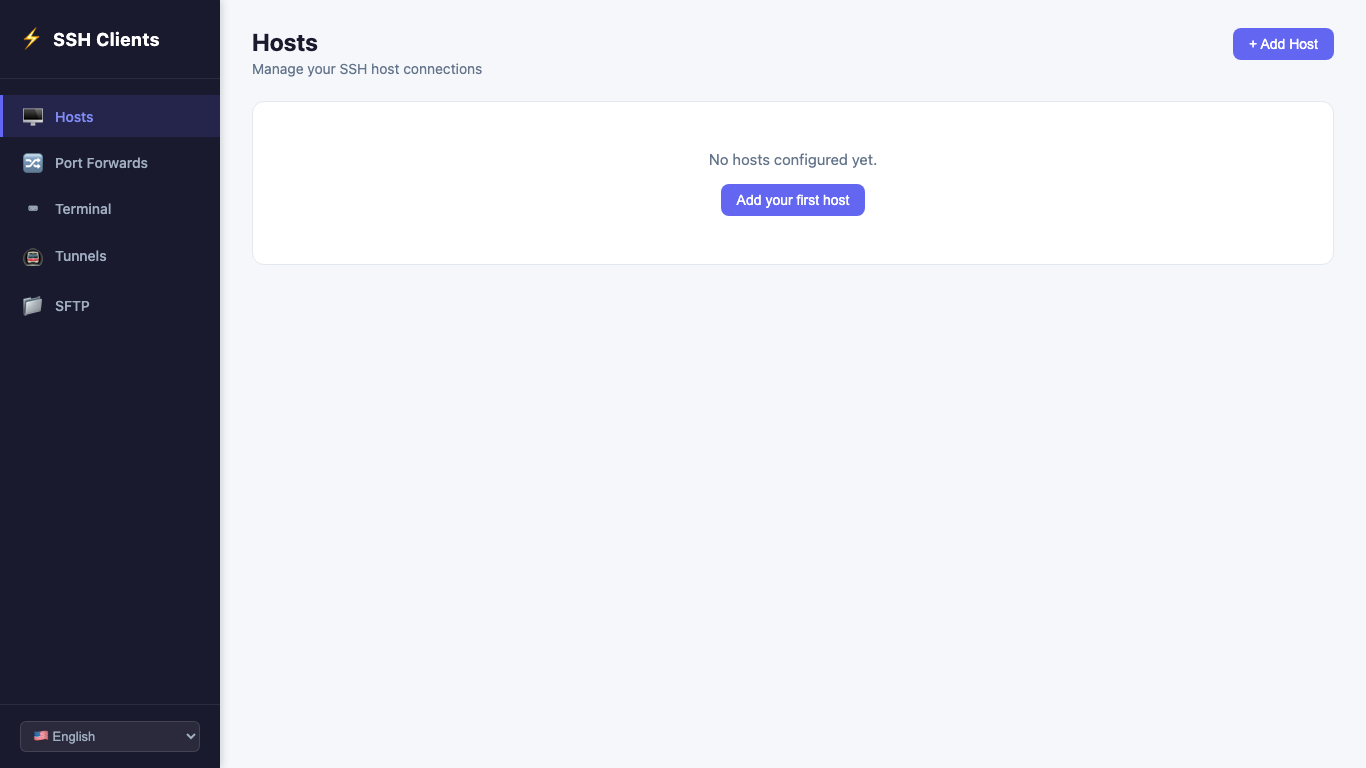
Manage remote servers effortlessly with multi-tab terminal sessions, port forwarding, and SSH key authentication — all in a clean Windows desktop app.
Get it on Microsoft Store Windows 10 / 11
Manage remote servers effortlessly with multi-tab terminal sessions, port forwarding, and SSH key authentication — all in a clean Windows desktop app.
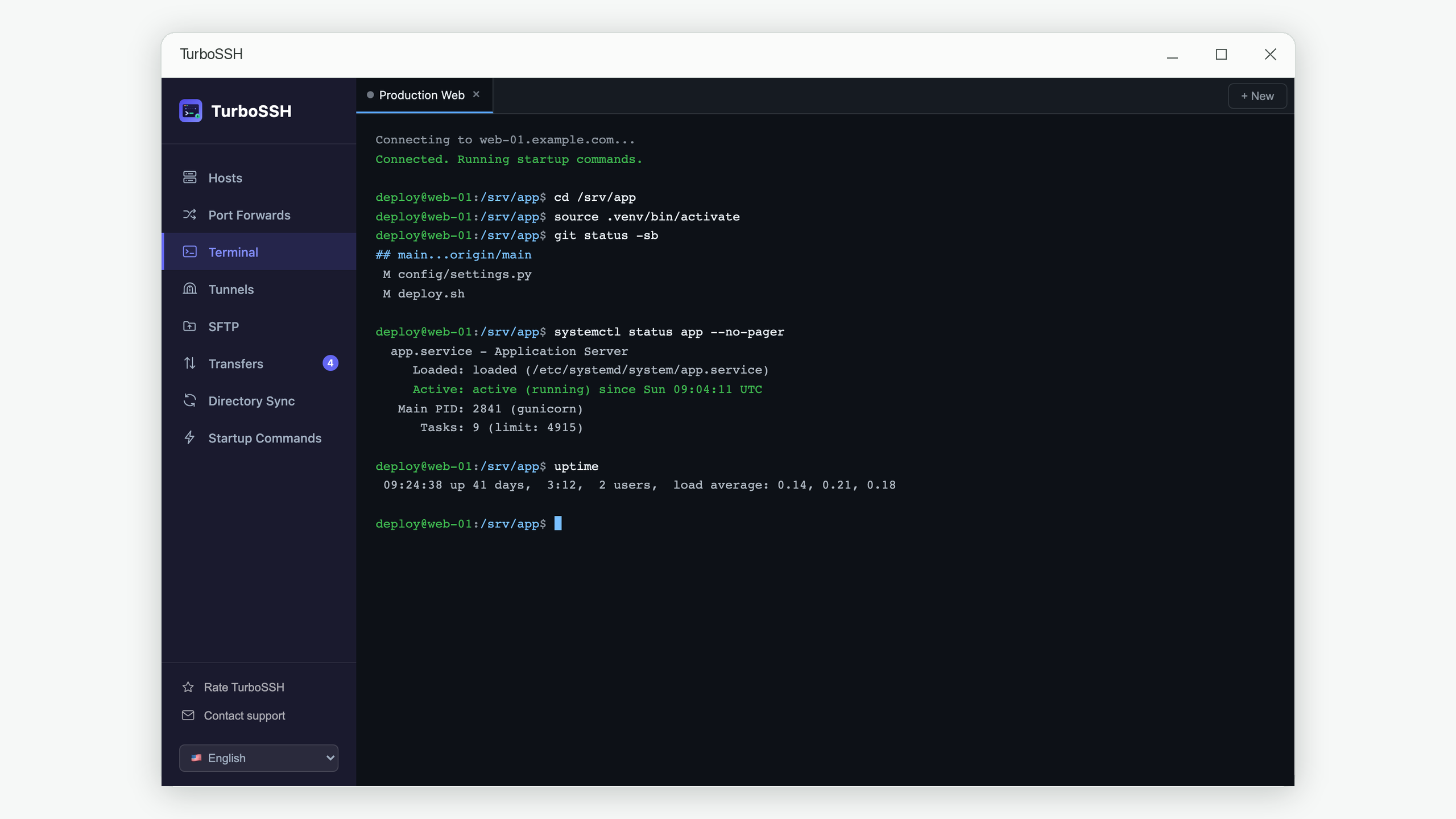
Get it on Microsoft Store Windows 10 / 11Open multiple SSH sessions side by side in separate tabs. Switch between servers instantly without managing multiple windows.
Store all your servers in one place. Organize by name, hostname, and port. Connect to any saved host in a single click.
Full support for password and private key authentication. Passphrase-protected keys are handled seamlessly.
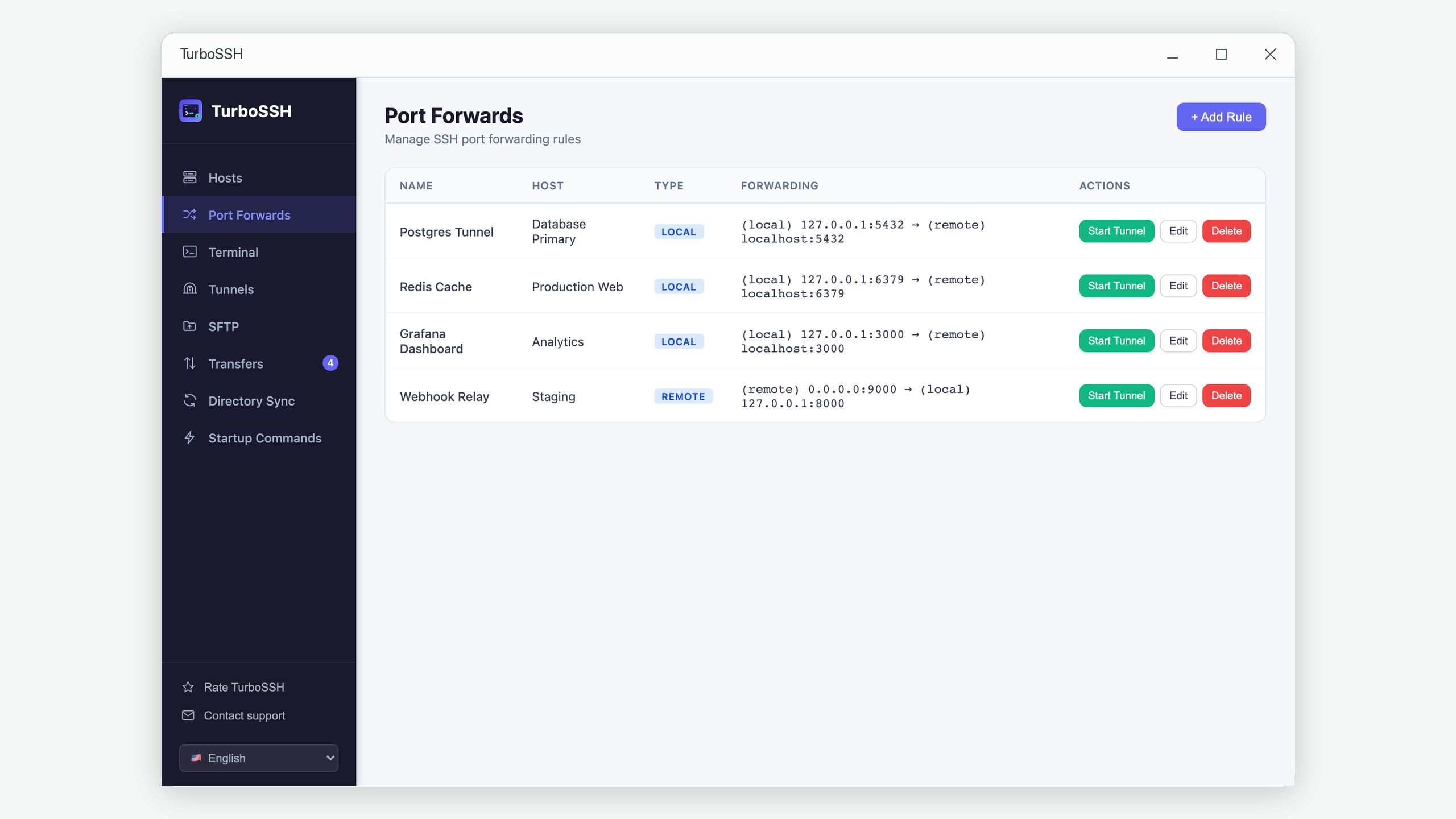
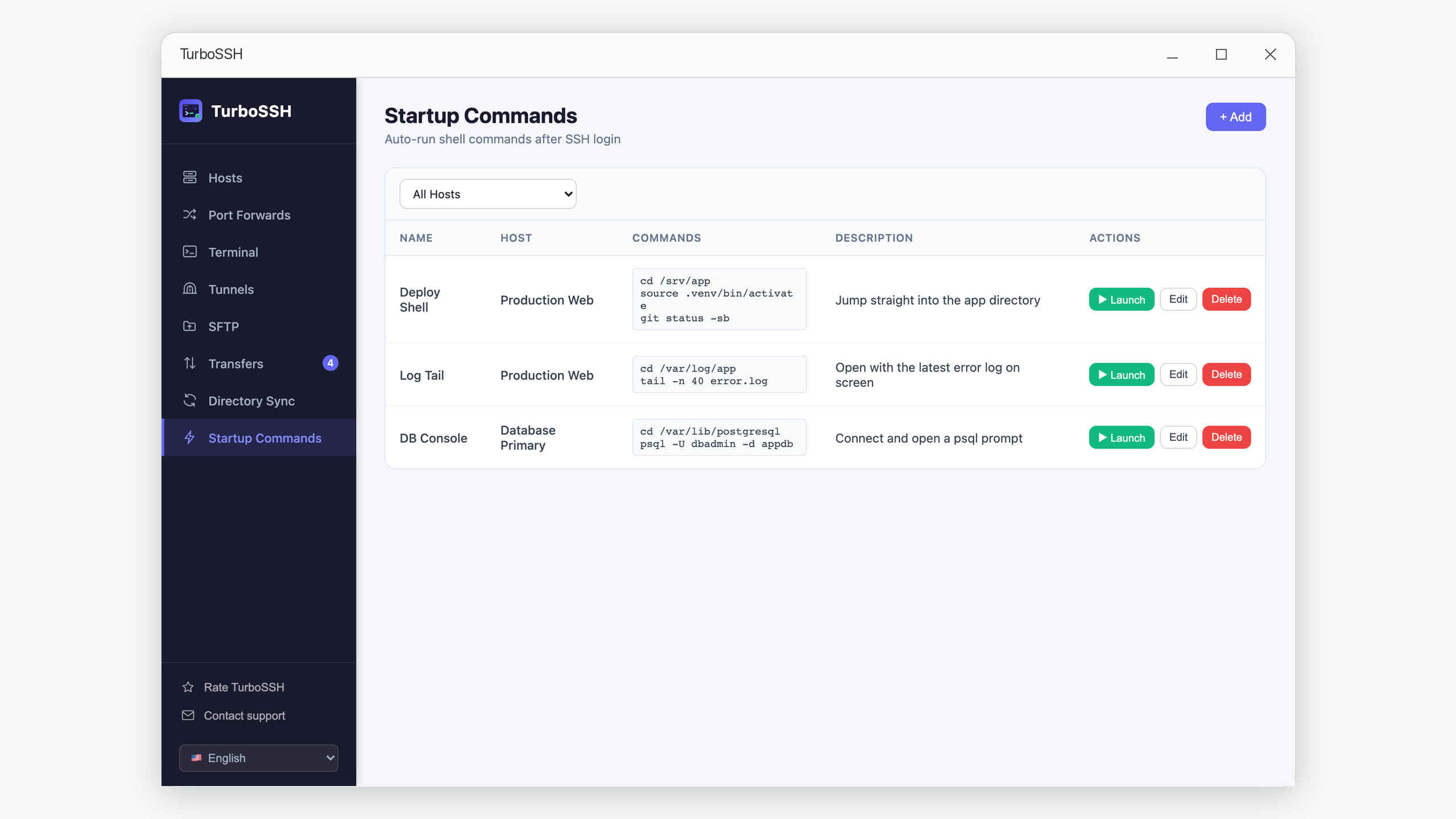
Define local and remote port forwarding rules. Apply them on demand and monitor status and logs in real time.
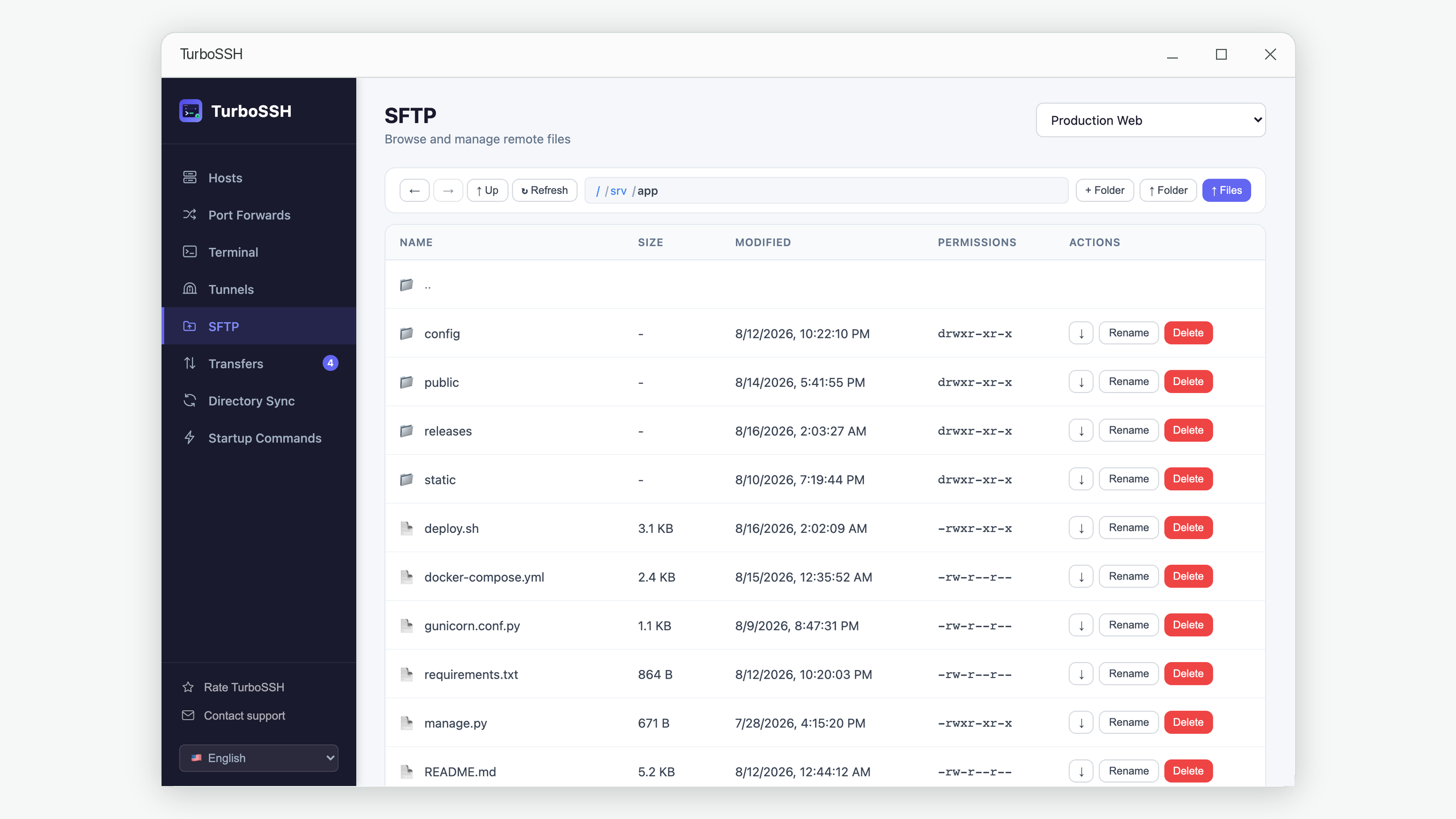
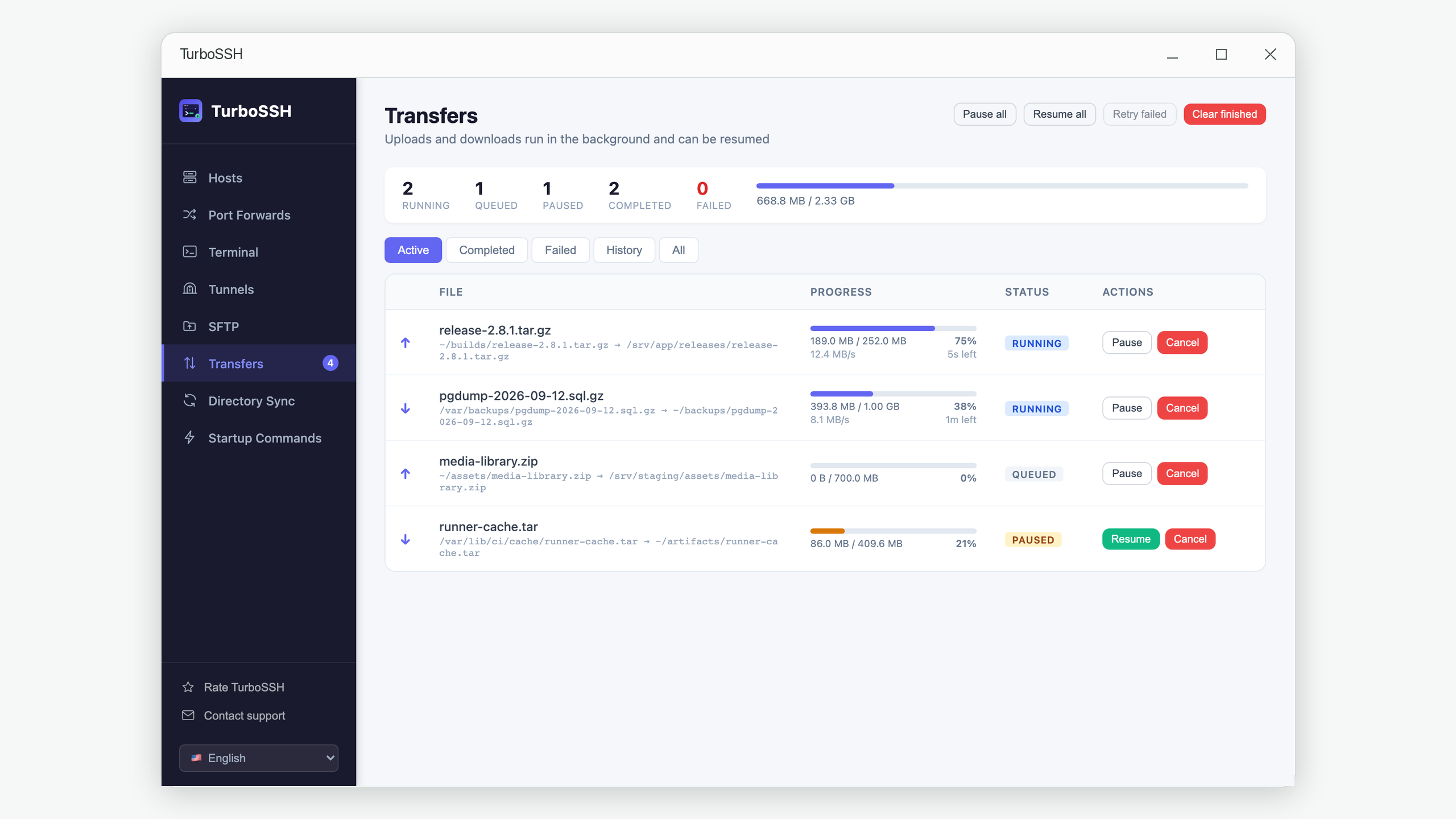
Uploads and downloads run in a queue while you keep working. Pause, resume and retry any file, and an interrupted transfer picks up where it stopped.
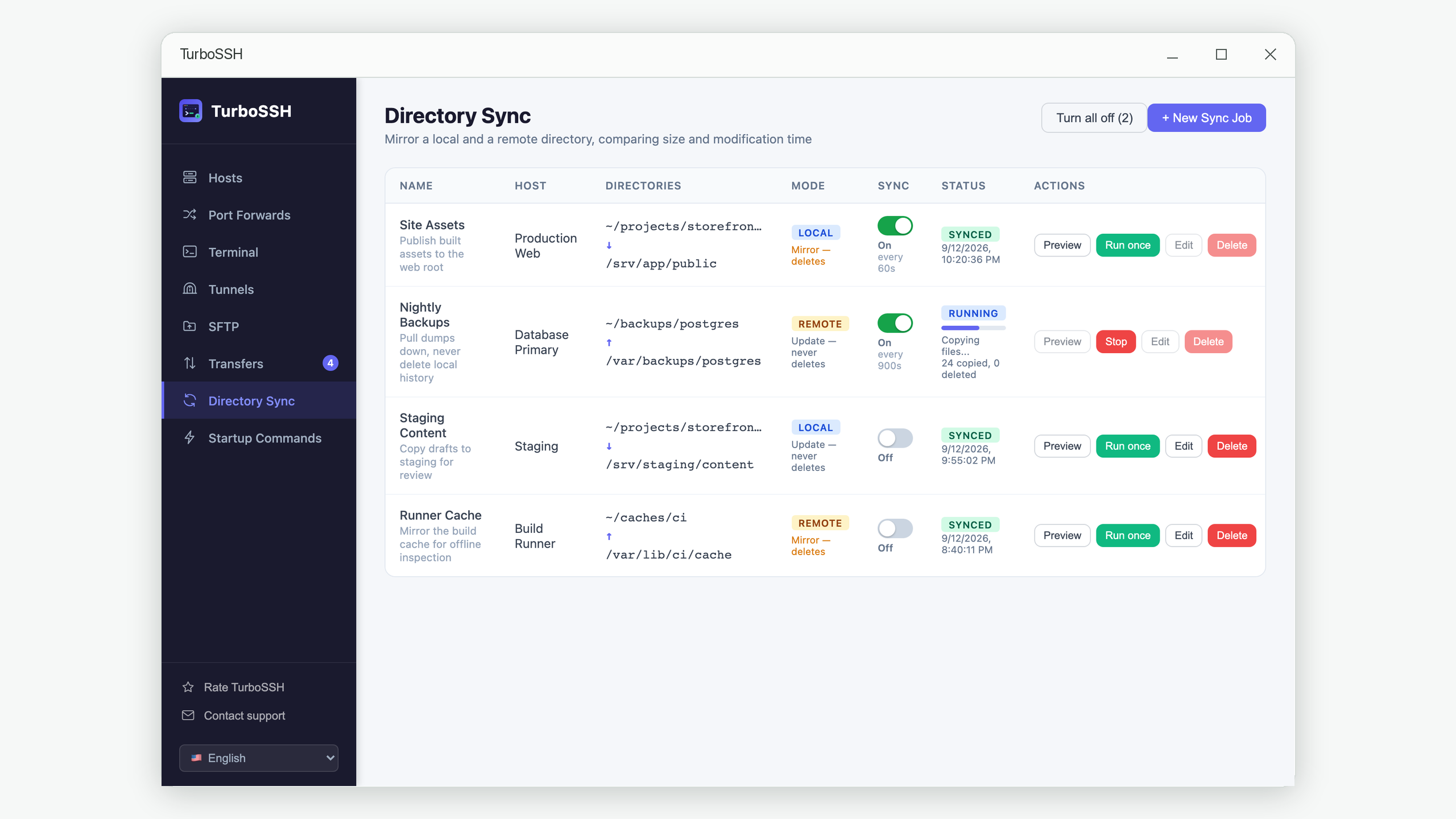
Keep a local folder and a remote folder in step. Mirror one side exactly, or update without ever deleting, and preview every job before it runs.
All your data is stored locally on your device. No accounts required, no cloud sync, no telemetry.
Connects quickly and stays out of your way. Built with Python and Vue.js for a smooth, responsive experience.
Designed to help you focus on your work, not on the tool.
Practical write-ups on the problems that come up when you manage servers day to day.
One big file downloads at full speed, but opening a project folder takes minutes. It is not bandwidth — it is thousands of round trips.
GuideThe upload dies at 90% and resets to zero. Interruptions are unavoidable — what matters is resuming from where it stopped, and knowing the file is not quietly corrupt.
GuideRe-uploading everything is slow, picking files by hand misses one. How folder sync compares the two sides, and the settings that decide what gets deleted.
TutorialYour database tool times out, and the common advice is to open a port to the internet. Here is the safer fix that takes a minute and changes nothing on the server.
TroubleshootingYou step away for five minutes and come back to a frozen terminal. It is almost never your internet — here is what actually closes the connection.
WorkflowThe same four commands at the start of every session, remembered entirely in your head. Three ways to write the routine down instead.
GuideWhat a key actually is, why it is safer, what happens if you lose one — and how to switch over without locking yourself out.
Get TurboSSH on the Microsoft Store and take control of your remote servers.
Get it on Microsoft Store