Why Browsing Folders Over SFTP Is So Slow (and What Actually Fixes It)
Your connection is fast. A single large file downloads at full speed. But double-clicking a folder takes two seconds, and pointing any tool at a project directory with a few thousand files makes it sit there for minutes. It feels like the server is struggling, or your client is broken. Neither is true — and the reason explains a lot of otherwise baffling behaviour.
Bandwidth is not the bottleneck. Waiting is.
Two numbers describe a network connection, and people usually only think about one.
Bandwidth is how much data fits through per second. This is the number your provider advertises, and it is what makes a large download fast.
Latency is how long one message takes to reach the server and come back. Within your own city this might be 10 ms. To a server on another continent it is comfortably 200 ms or more. Upgrading your connection does almost nothing to this number — it is mostly the speed of light and the number of hops in between.
Transferring one big file is a bandwidth problem. The client asks once and data streams back continuously, so the connection stays full and latency barely matters.
Listing directories is a latency problem. It is thousands of tiny questions, and each one has to complete before the next begins.
The arithmetic is brutal and completely invisible. At 200 ms per round trip, 1,000 sequential requests take 200 seconds — over three minutes — during which almost no data moves. A gigabit connection finishes at exactly the same time as a 10 Mbps one, because neither is transferring anything. They are both waiting.
Why a folder tree costs so many round trips
SFTP has no operation that means "describe this entire tree". It has one that means "list this one directory". So a client that wants to know what is in a project folder has to walk it: list the top folder, discover ten subfolders, ask about each of those, discover more, and so on.
Every one of those questions is a separate round trip. The structure of your project decides the cost:
| Folder tree | Round trips | At 30 ms latency | At 200 ms latency |
|---|---|---|---|
| 50 directories | 50 | ~1.5 s | ~10 s |
| 500 directories | 500 | ~15 s | ~1.7 min |
| 5,000 directories | 5,000 | ~2.5 min | ~17 min |
Note what drives this: the number of directories, not the number of files or how large they are. A project with a deeply nested dependency folder is the worst case — thousands of directories, each holding a handful of tiny files. This is why a 40 MB project folder can take vastly longer to scan than a single 4 GB file takes to download.
It also explains the thing that makes people think their client has crashed: it has not, it is partway through a few thousand sequential waits, and there is nothing to display until enough of them finish.
The fix: let the server do the walking
Here is the key insight. The slowness comes from walking the tree across the network. But the server can walk its own tree without any network at all — for the server, those directories are local, and reading them takes microseconds.
So instead of asking a thousand questions, ask one: run a command on the server that traverses the tree and prints everything you need, and read the result.
find /var/www/myapp -type f -printf '%s\t%T@\t%P\n'That returns the size, modification time and path of every file under the folder — one request, one response, one round trip. The traversal still happens, but it happens locally on the server at local-disk speed.
The difference is not a small optimisation. A scan that takes minutes becomes a scan that takes a second or two, and the improvement gets larger the worse your latency is.
Why not every tool does this
If it is that much faster, why is it not universal? Because it trades a guarantee for speed, and that trade has real edge cases.
Plain SFTP works on anything that speaks SFTP, including locked-down file-transfer-only accounts with no shell at all. Running find assumes you can execute commands and that the command exists in a form you expect — and it does not always:
- GNU
find(most Linux servers) supports-printf, which formats everything in one pass. This is the fast path. - BSD and macOS
findhave no-printfat all. A different command shape is needed to get the same fields. - Stripped-down containers may have a minimal
find, or none. - Restricted accounts may not permit running commands at all.
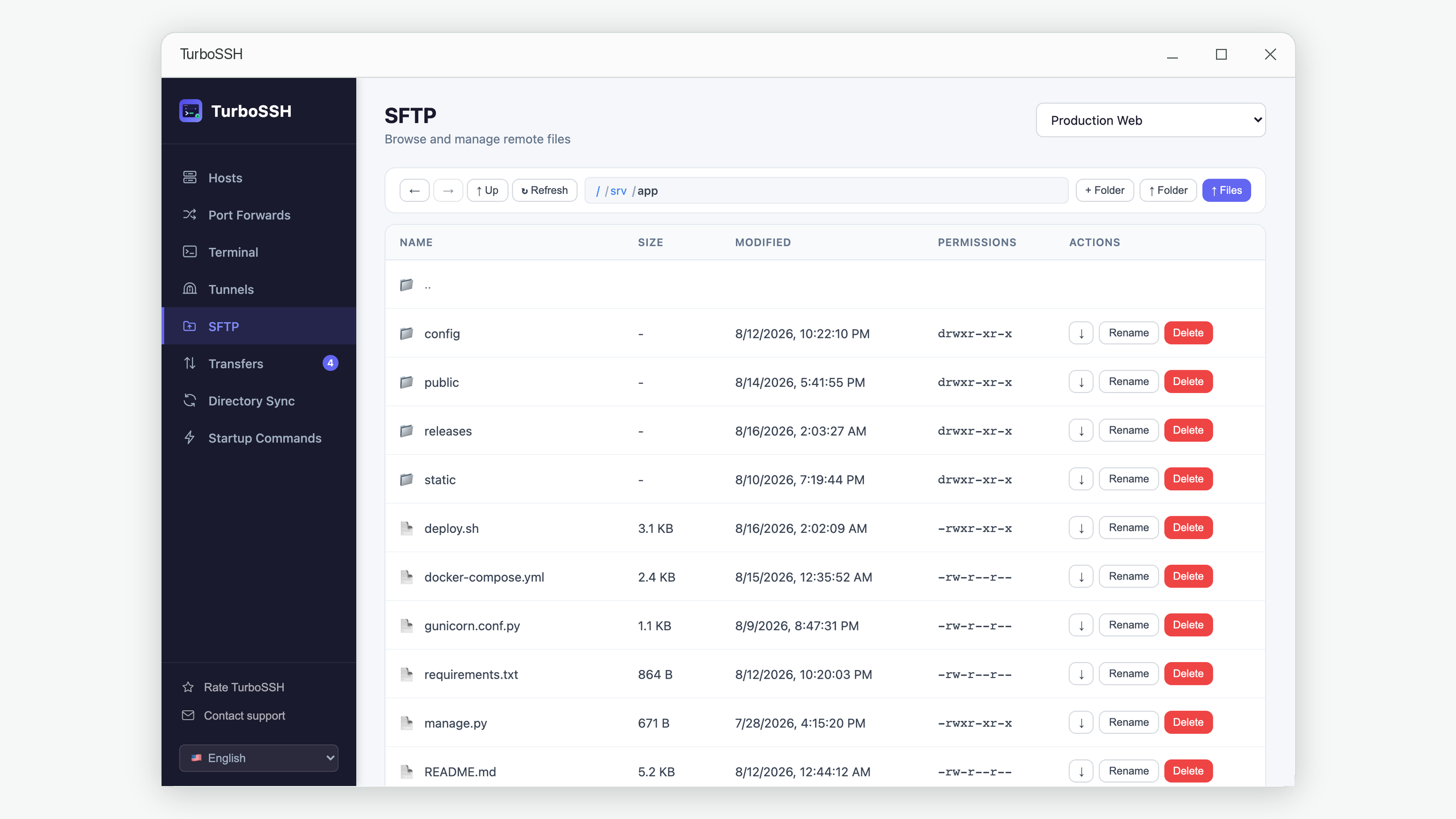
The right answer is not to pick one approach but to try the fast one and fall back. TurboSSH attempts the GNU form first, then the BSD variant, and only if neither works does it walk the tree over SFTP the slow way. You get the fast path on the servers that support it — which is most of them — and correct results everywhere else.
A detail that silently breaks this: the separator between fields has to be a real tab character embedded in the command, not the two characters \t. GNU find expands that escape, but BSD stat prints it literally — so a command written with an escape works on Linux and quietly produces unparseable output on macOS. Failures like this do not raise errors; they just return nothing.
What this means in practice
Once you know the cost is round trips, several everyday annoyances become predictable rather than mysterious.
Prefer one deep operation to many shallow ones. Anything that has to visit every directory over the network will be slow. If a tool offers a "scan" or "compare" that runs server-side, that is the one to use.
Avoid pointing tools at dependency folders. The directory count is the cost. Excluding node_modules, vendor or .git from a sync or search often removes 90% of the directories and therefore 90% of the wait.
Archive before moving many small files. Transferring 5,000 individual files means per-file overhead 5,000 times over. Creating a tar archive on the server, transferring that one file, and extracting it at the other end is frequently many times faster — the same principle, applied to transfers instead of listings.
Do not blame your connection. If listing is slow but a large single file downloads at full speed, bandwidth is fine and upgrading it will change nothing.
Frequently asked questions
Would a VPN or a different protocol help?
A VPN usually makes it slightly worse, since traffic takes a longer path and latency is the thing that hurts. Protocols designed around this problem — ones that batch requests or run the traversal remotely — help a great deal, which is exactly why the server-side scan works so well.
Why is the first listing slow and the second one instant?
Caching, on one side or both. Your client may keep the previous listing, and the server's filesystem cache makes its own work faster the second time. It is a real effect, but it disappears as soon as anything changes.
Is this the same reason syncing a folder takes so long?
The scan portion, yes — a sync has to know what exists on both sides before it can compare, and that scan is exactly the round-trip problem described here. The transfer portion is a separate, bandwidth-bound issue. See our guide to folder sync for how the comparison itself works.
Does this affect the terminal too?
Differently. A terminal sends keystrokes and receives output over one already-open channel, so latency shows up as typing lag rather than as long pauses. Running ls -R in a terminal is fast for exactly the reason described above — the traversal happens on the server and only the output crosses the network.
Can I just increase the number of parallel connections?
Some clients do open several channels to overlap requests, and it does help. But it multiplies rather than removes the problem — four connections turn a thousand sequential waits into two hundred and fifty, while one server-side scan turns them into one.
In short
SFTP browsing feels slow on big folders because it is thousands of small questions asked one at a time, and each question costs a full trip to the server and back. Bandwidth never enters into it, which is why a faster connection does not help.
The fix is to stop walking the tree across the network and let the server walk its own tree instead — one request rather than thousands. It is the difference between minutes and seconds, and the worse your connection, the bigger the difference.
Scans that finish in seconds
TurboSSH scans remote trees with a single server-side command where it can, and falls back automatically when a server does not support it.
Get TurboSSH on Microsoft Store